Week Number
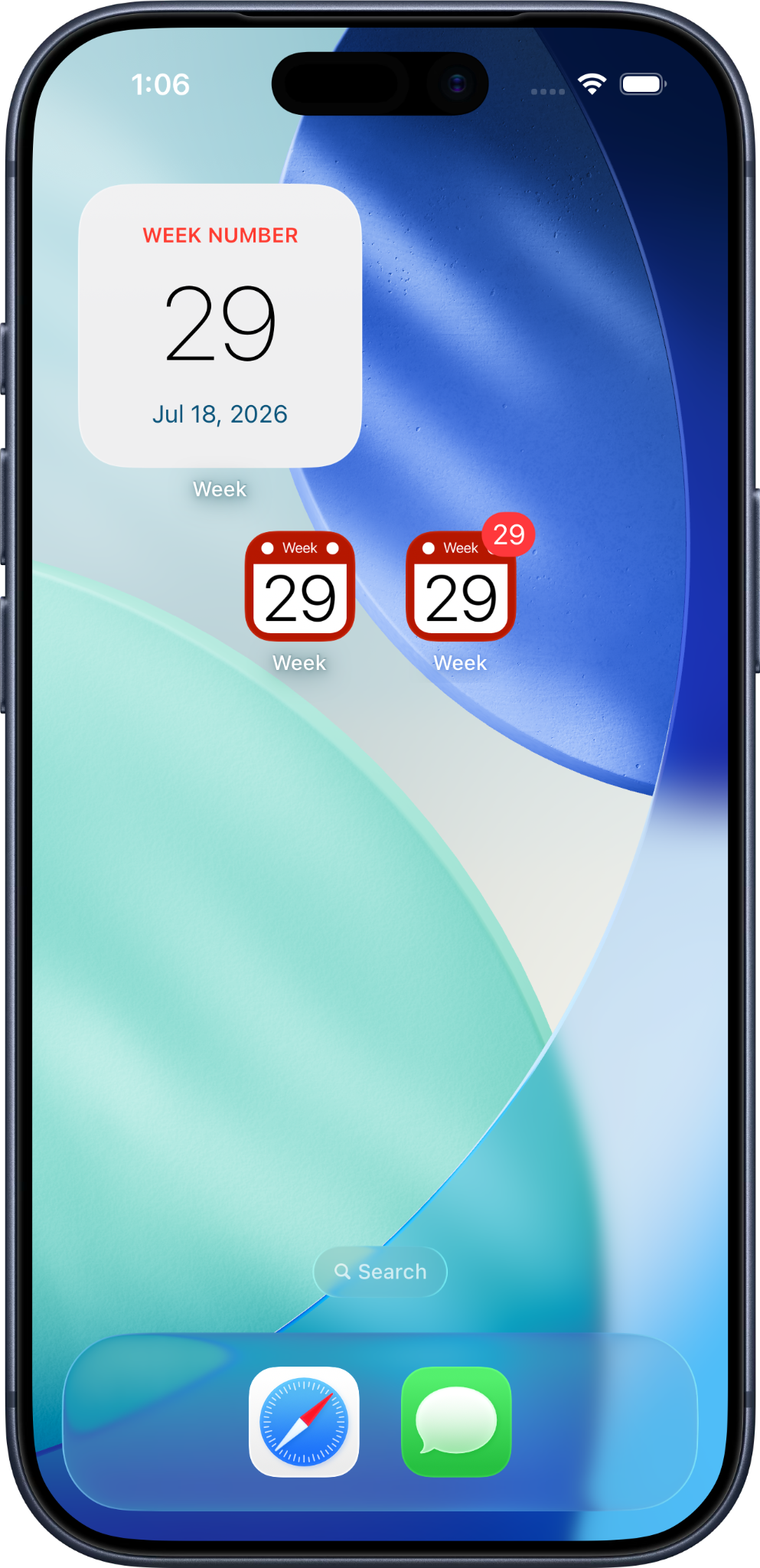
Know the week number at any time. Display it directly on the app icon, in a notification badge, or in a Home Screen widget

Know the current week number at a glance
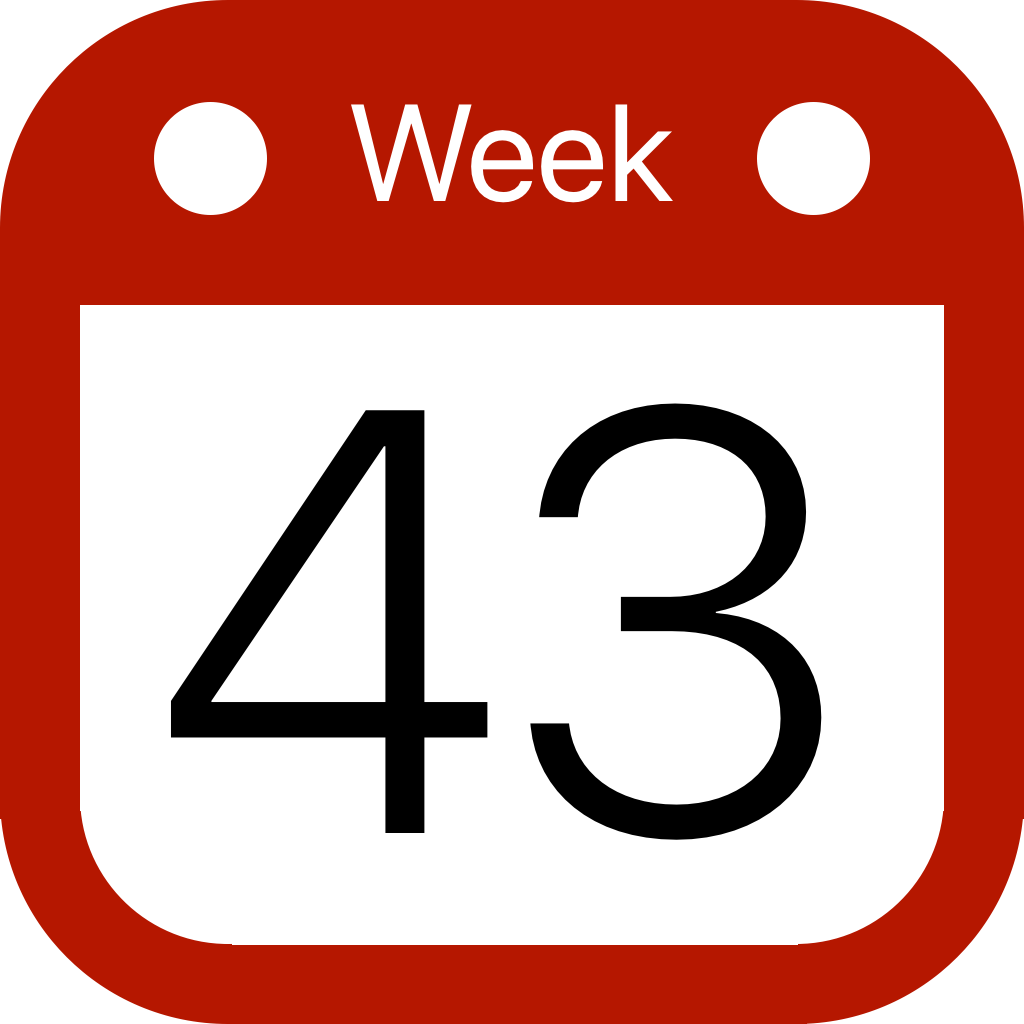
Simple, yet incredibly practical. No need to dig through your calendar — with the Week app, the current week number is always right there, visible as an app icon on your Home Screen or App Library, or through a badge or widget. Choose one or combine several display options.
Week numbers are essential in many professions, from project management and logistics to healthcare, manufacturing, and education.
Whether you are planning sprints, organizing shifts, coordinating deliveries, or tracking academic weeks, Week keeps the current week number visible whenever you need it.
Whoever you are, if your week matters, Week has you covered.
Look up any week, any time
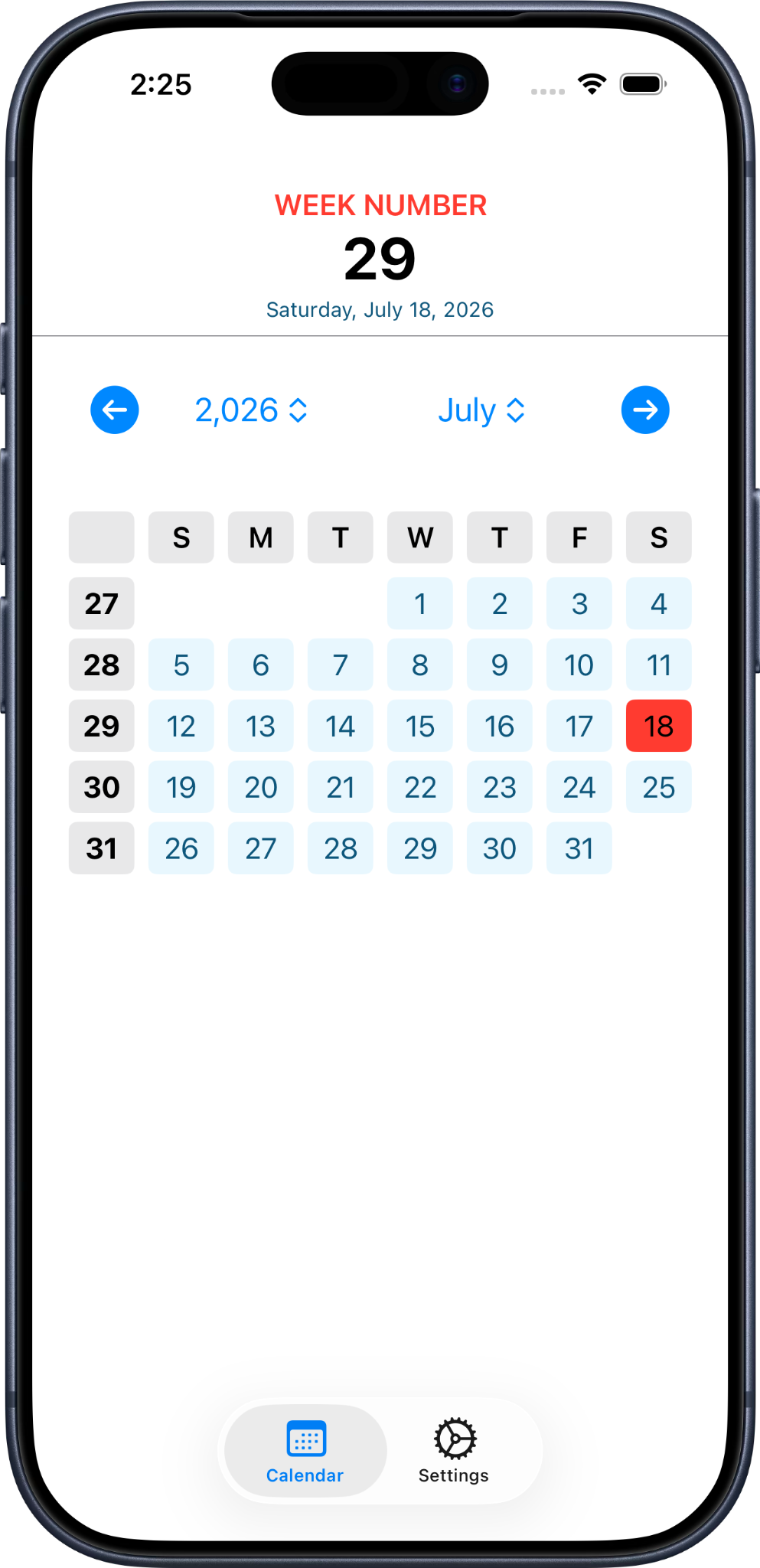
Browse a full calendar view and instantly find the week number for any date — past, present, or future.
Your preferred week numbering
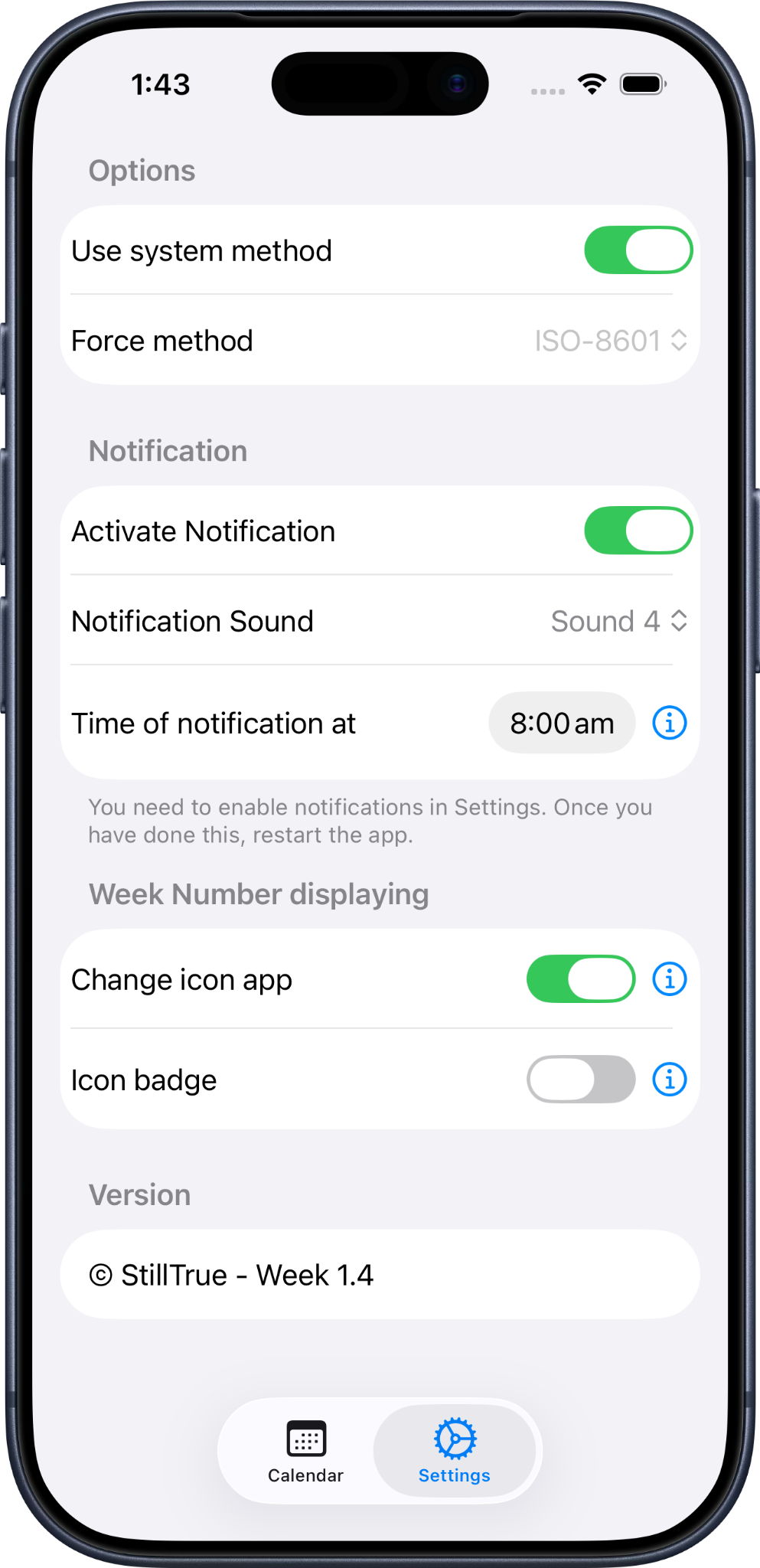
Choose between ISO 8601 and Gregorian week numbering, and customize your notification and badge preferences to match exactly how you work.
Available languages:
🇬🇧 English, 🇫🇷 Français, 🇪🇸 Español,
🇨🇳 简体中文, 🇩🇪 Deutsch, 🇳🇱 Nederlands,
🇮🇹 Italiano, 🇵🇹 Português, 🇯🇵 日本語,
🇰🇷 한국어