Smart Focus
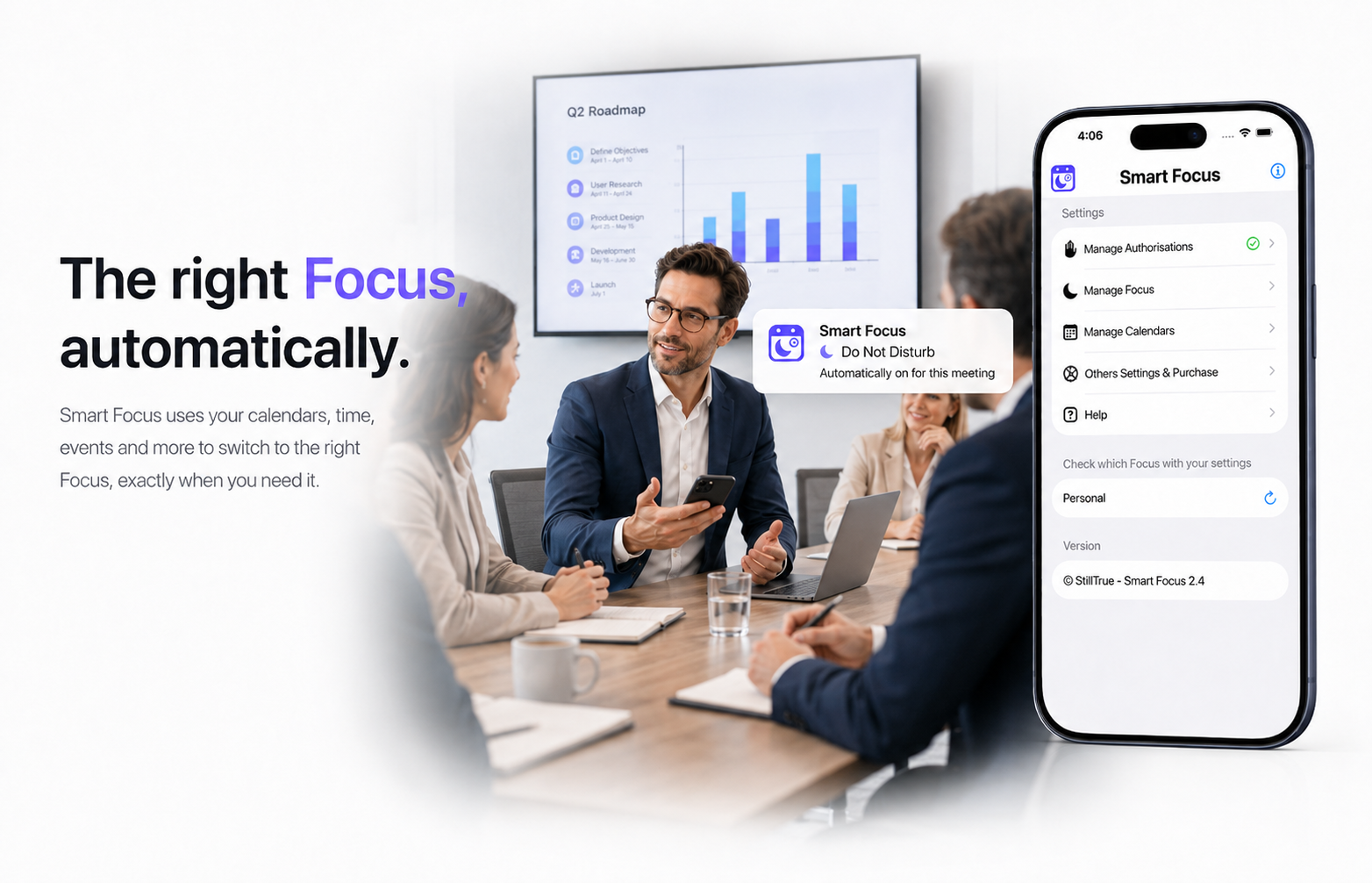
Make your Focus modes smarter
The right Focus mode for every situation
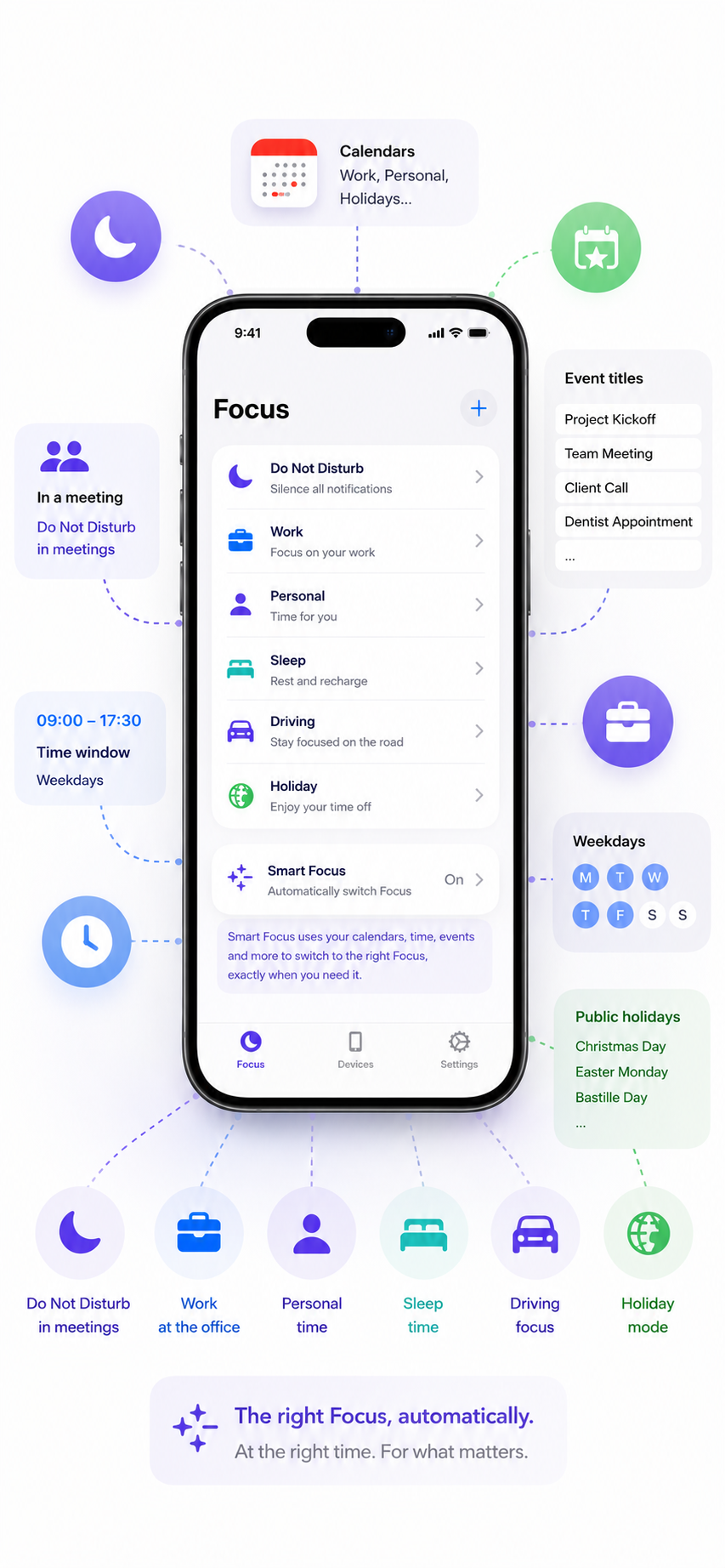
Focus modes let you control how your iPhone behaves in different situations. You can create a Work mode that hides game notifications, a Personal mode that silences work messages, or a Holiday mode that silences work notifications from apps such as Microsoft Teams.
Apple already offers many customisation options, but the built-in automations can be limited when your schedule depends on working hours, specific days, calendar events or public holidays.
Smart Focus adds the missing intelligence
It automatically selects the right Focus mode based on your schedule and calendar, so your iPhone adapts to your day without requiring you to change your settings manually.
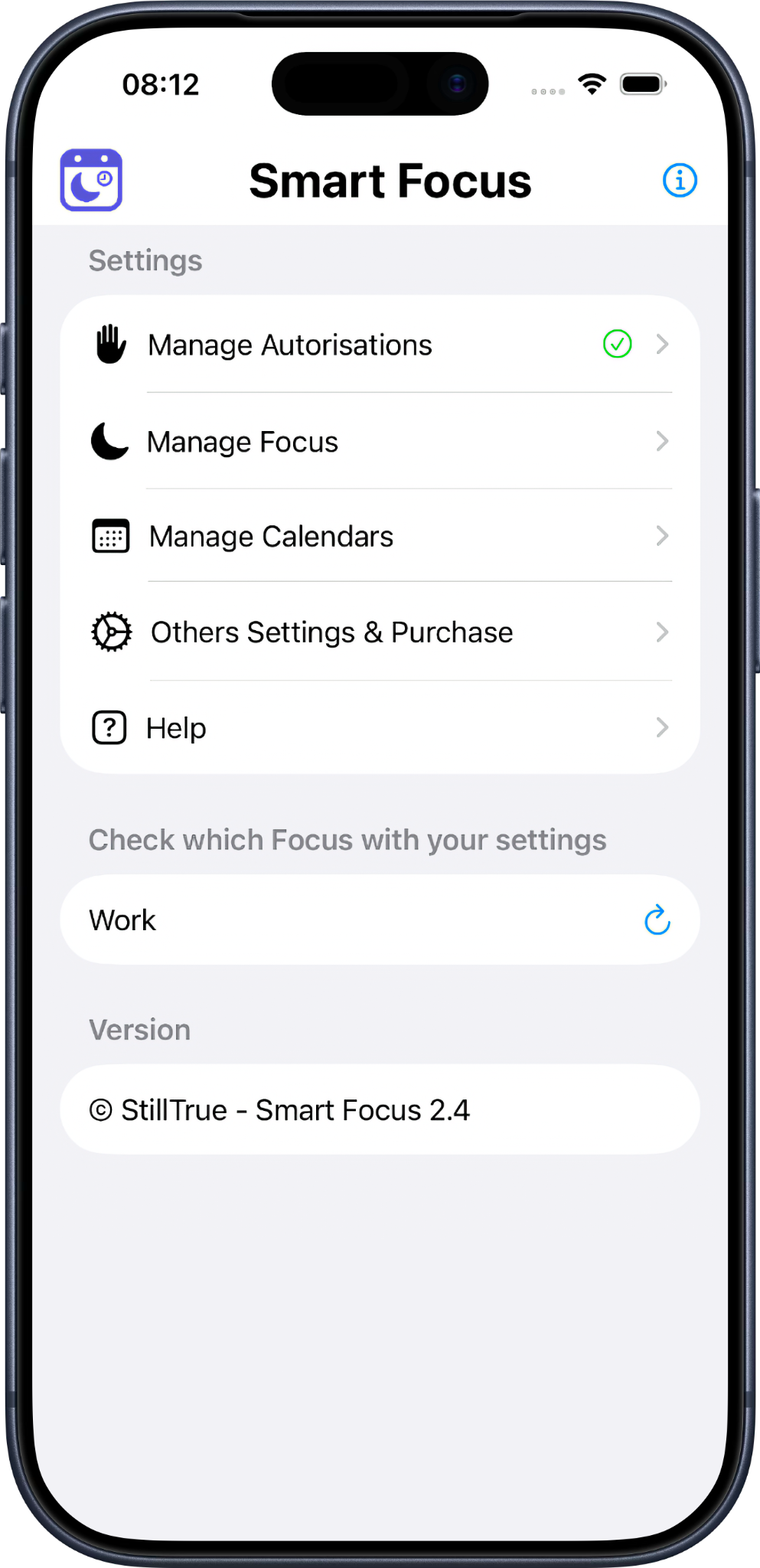
Triggers and conditions
Calendar
- Ongoing meetings
- Accepted or tentative events
- All-day events
- Events containing specific keywords
- Public holidays from a separate calendar
Days and times
- Select your working days
- Define your working hours
- Automatically switch between Sleep, Work, Personal, and Holiday Focus modes
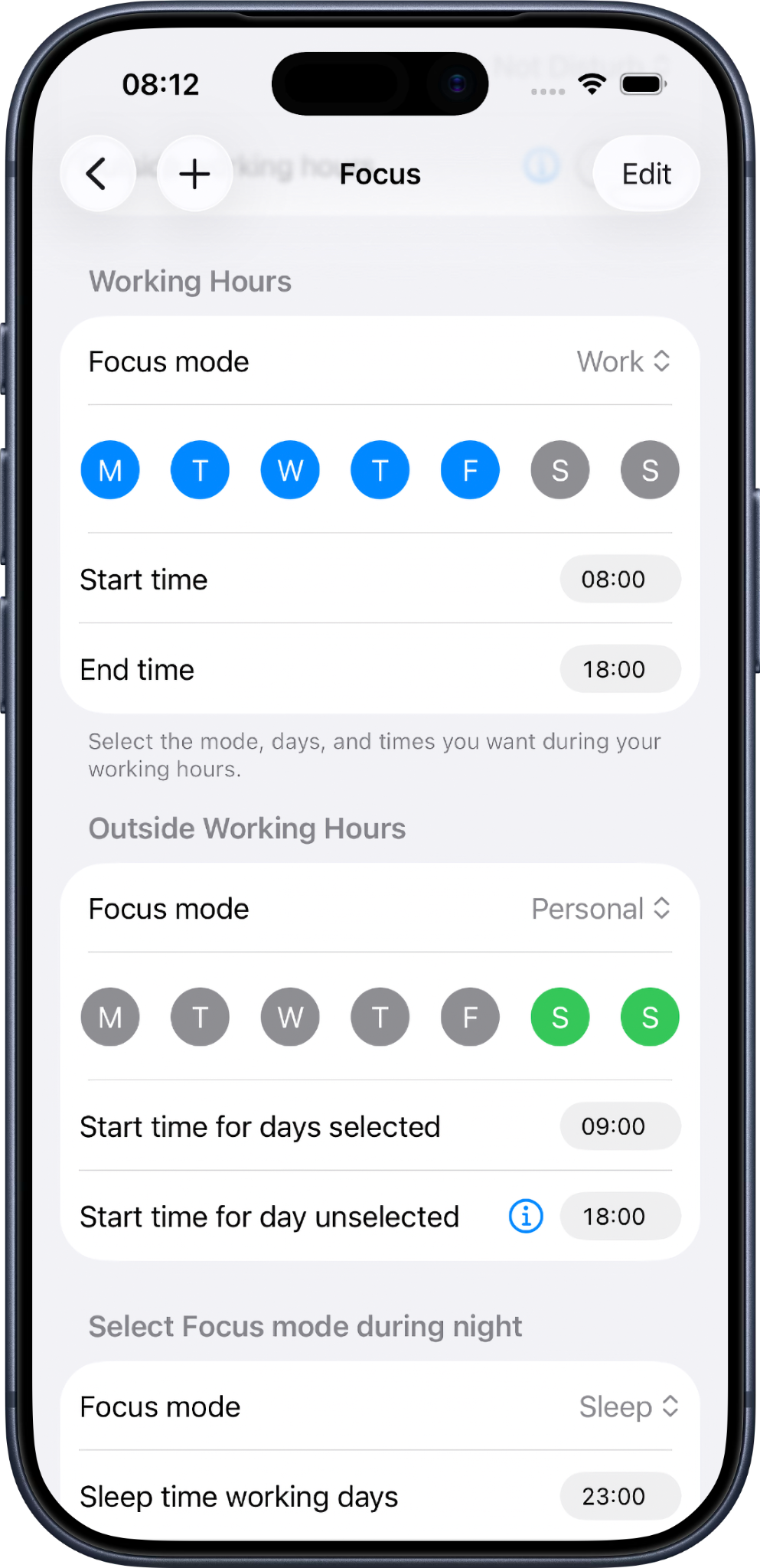
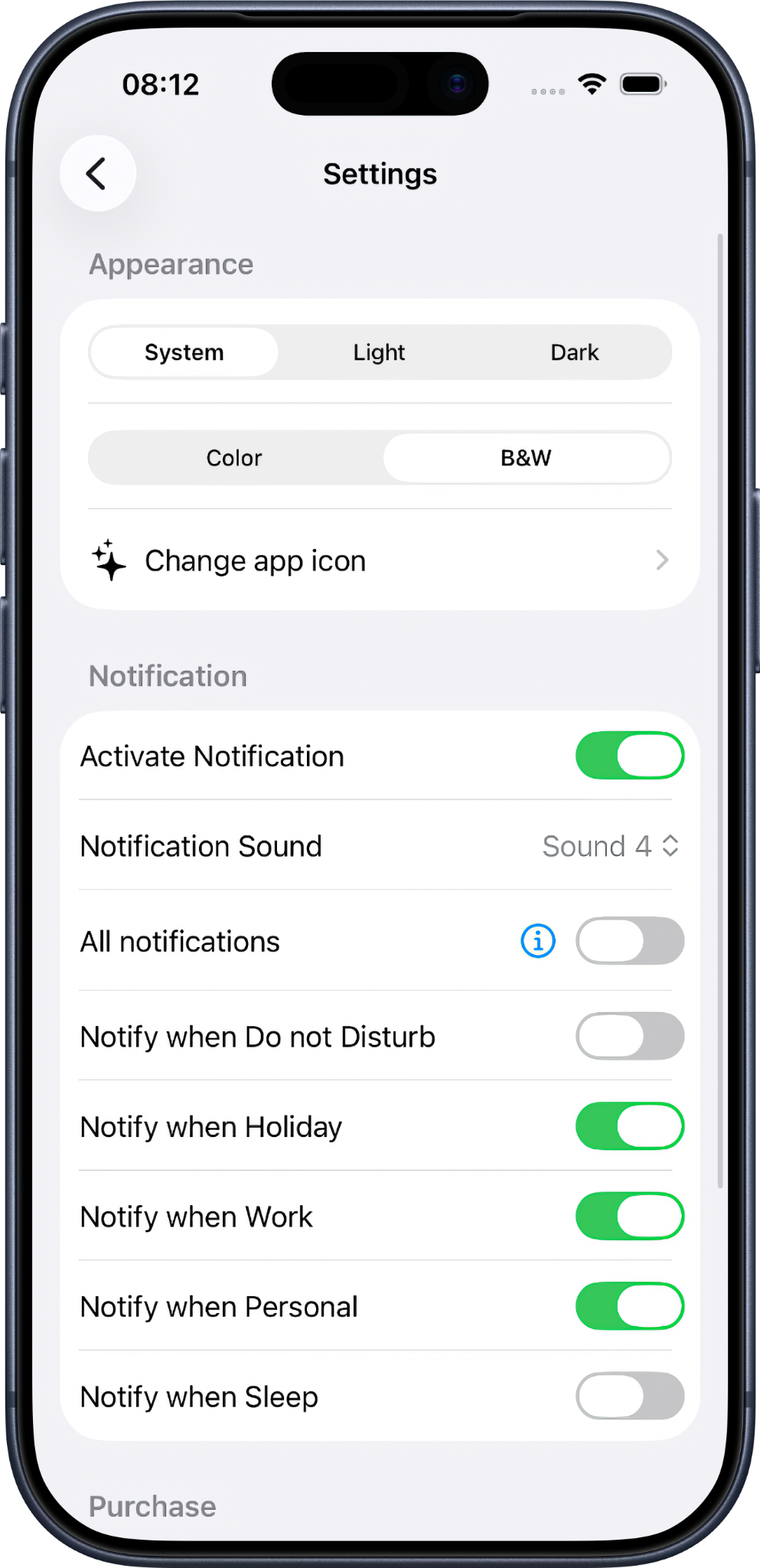
Fully configurable for your needs
Configure Smart Focus around your schedule, calendars, working days, and daily routine.
Then use Apple Shortcuts to run it automatically and activate the right Focus mode throughout the day.
Available languages:
Currently available in:
🇬🇧 English, 🇫🇷 Français
Coming soon:
🇪🇸 Español, 🇨🇳 简体中文, 🇩🇪 Deutsch,
🇳🇱 Nederlands, 🇮🇹 Italiano, 🇵🇹 Português,
🇯🇵 日本語, 🇰🇷 한국어, AR العربية
Need help setting up Smart Focus?
Follow the step-by-step Smart Focus setup guide to configure the app, install the Shortcut and create the required automation.
Then discover our recommended Focus mode configurations for Personal, Holiday, Work, Do Not Disturb and Sleep.